
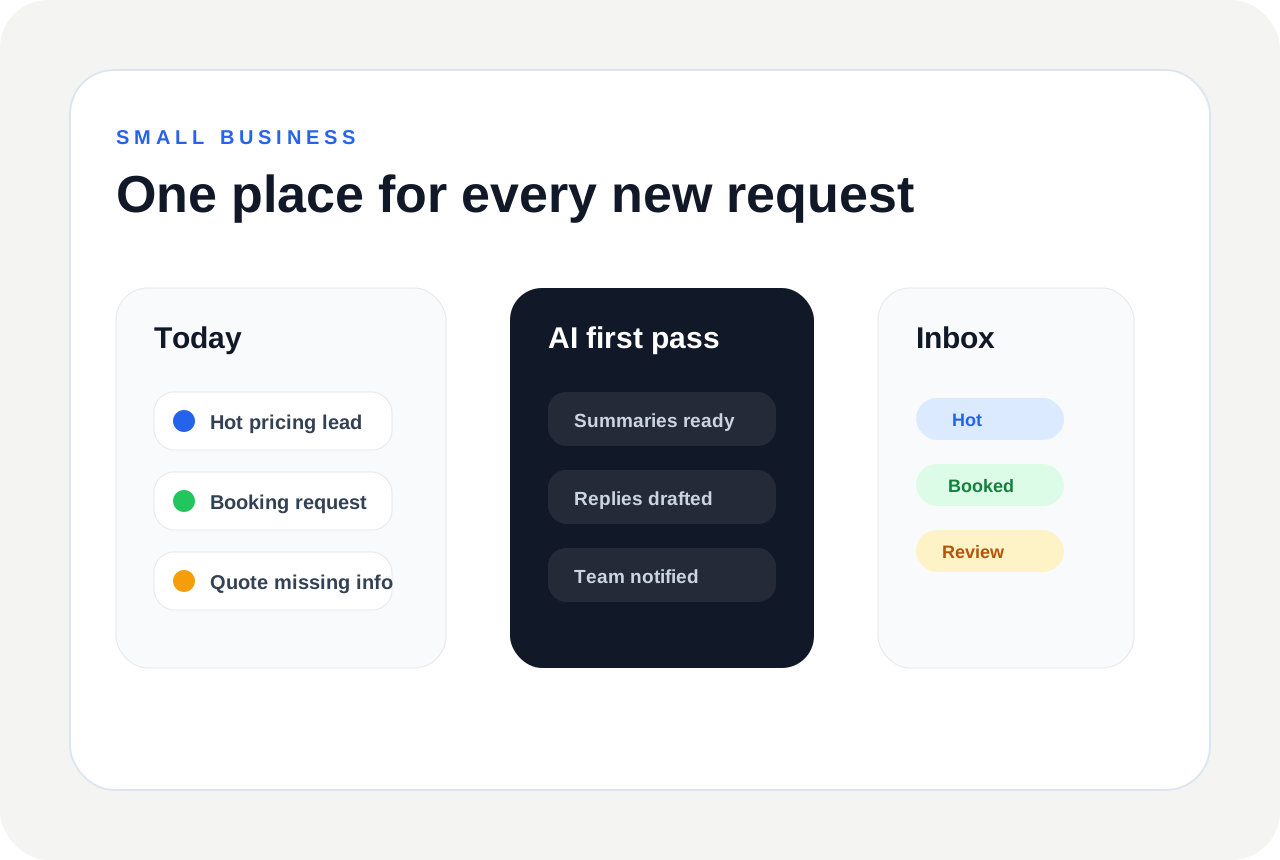
Small businesses do not usually need complicated enterprise lead scoring. They need a simple way to catch new inquiries, understand who needs attention, reply faster, and avoid losing requests across email, forms, and spreadsheets.
AI lead qualification can help by acting like a first-pass assistant for every lead that comes in.
The right setup should feel practical: new requests arrive, AI summarizes them, the best opportunities get flagged, and the team can respond from a clearer Inbox.
Start with one high-value workflow
Do not automate everything on day one. Start with the request type that costs you the most when it is missed: quote requests, appointment requests, sales inquiries, consultation requests, or urgent service jobs.
A focused workflow is easier to launch, test, and improve.
Pick the lead sources first
Most small businesses already have leads coming from several places: website forms, contact pages, booking pages, ads, emails, widgets, and referrals.
Start by connecting the source that creates the most follow-up work. Once that flow is working, add the next source.
Define what a good lead means
For one business, a good lead may be someone asking for pricing today. For another, it may be a lead inside a service area, a buyer with a clear budget, or a booking request for a high-value service.
The more clearly you define good, poor, urgent, and incomplete leads, the better the AI can classify them.
Use simple labels
- Small teams usually do not need a complicated 100-point score. Simple labels are easier to act on.
- Examples: hot, warm, cold, urgent, missing details, qualified, follow-up needed, booking request, quote request, or human review.
Use AI for the first reply
Most small businesses do not need AI to close deals. They need AI to prepare the first useful reply. That might be a confirmation, a missing-detail question, a quote follow-up, or a booking next step.
Create a safe response policy
Decide which messages can be automated and which should stay as drafts. For example, a confirmation email may be safe to send automatically, but pricing, legal, medical, financial, or high-value sales replies may need review.
This keeps the workflow useful without making it risky.
Keep every lead in one Inbox
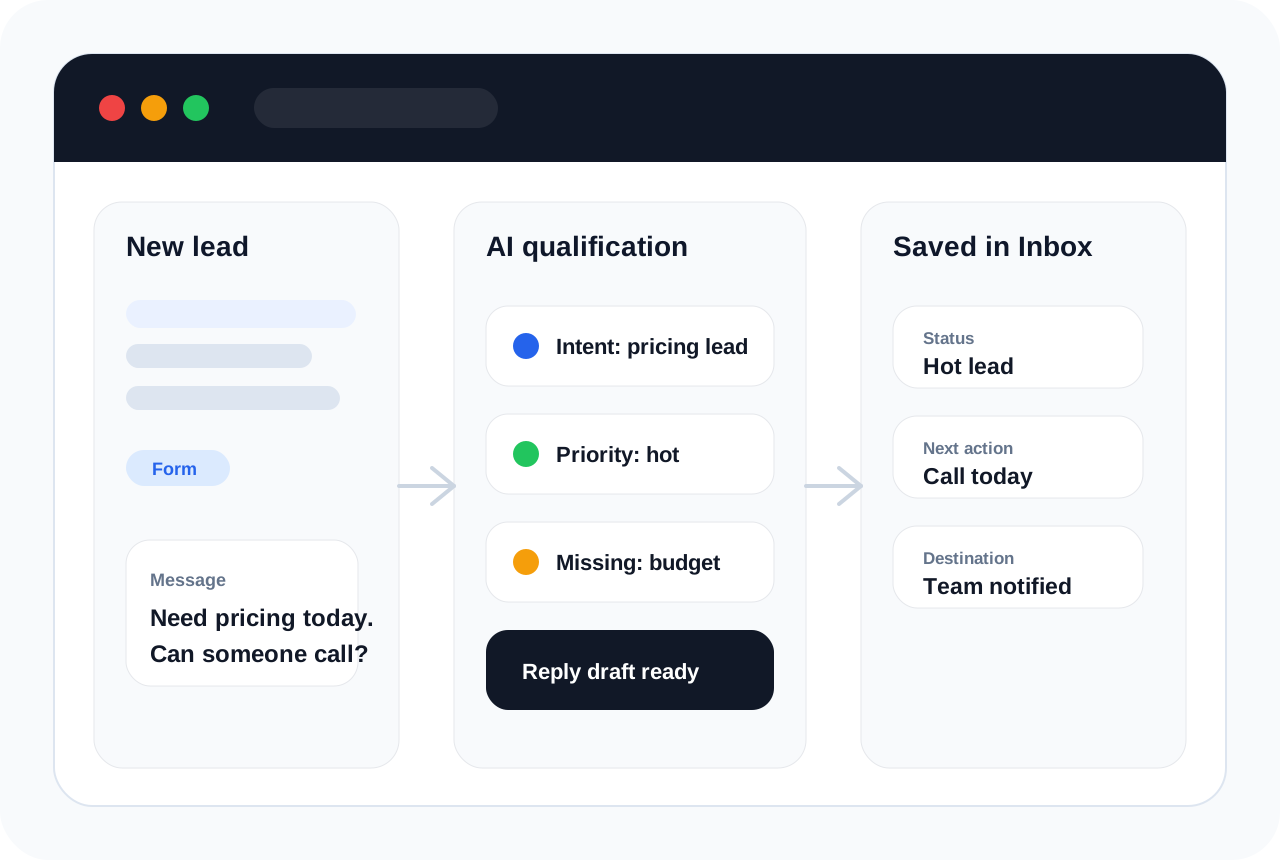
A lead is easier to manage when the message, AI summary, status, reply draft, source, and timeline are saved together. This avoids the common problem where one person sees a form submission, another sees an email, and no one knows who replied.
Example workflows for small businesses
- A salon can qualify appointment requests, confirm service type, and ask for preferred time.
- A contractor can detect quote requests, collect address and job details, and notify the estimator.
- A restaurant can separate catering inquiries from menu questions and complaints.
- A consultant can flag serious sales inquiries and prepare a discovery-call reply.
- A real estate agent can identify buyer, seller, and renter requests before follow-up.
Connect notifications carefully
Send hot leads to email or Slack. Save structured details in Google Sheets. Use Zapier, Make, n8n, or webhooks when you need to pass qualified leads to another system.
HuzAgent is built for this kind of practical AI lead qualification software workflow.
What to measure
- Response time: how quickly the first useful reply is prepared or sent.
- Missed leads: how many requests sit unanswered.
- Qualified leads: how many leads are marked hot, warm, urgent, or ready for follow-up.
- Missing details: how often the AI helps collect the information your team needs.
- Team time saved: how much manual sorting and rewriting is removed.
A simple launch plan
- Week 1: connect one source and review every AI output manually.
- Week 2: tune labels, missing-detail rules, and reply tone.
- Week 3: connect notifications and save structured data.
- Week 4: turn on safe auto-responses only for low-risk confirmations or missing-detail questions.
FAQs
What is the simplest AI lead qualification setup?
A form or widget that sends every lead into an Inbox, where AI summarizes it, marks priority, and prepares a reply draft.
Do small businesses need lead scoring?
They often need simple status labels more than complex scores: hot, warm, missing details, urgent, or needs review.
Can AI lead qualification help appointment businesses?
Yes. It can detect booking intent, collect service details, find missing timing information, and prepare confirmation or follow-up.